Mobile Scanner App - Scan PDF
-
Developer
Glority Global Group Ltd. -
Category
Productivity -
Package Name
com.glority.everlens
-
Content Rating
Everyone
-
Version
2.17.0
-
Updated on
2026/09/14
Reviewer Analysis
From a user's perspective, Mobile Scanner is a convenient and versatile app that offers a range of useful features. The app's ability to scan various types of documents and convert them into clear PDFs or JPEG files is highly beneficial. Additionally, the OCR technology allows users to extract text from scanned images and edit it as needed. The app's organizational capabilities, such as custom folders and the ability to reorder files, make it easy to manage digital documents. Overall, Mobile Scanner offers a powerful solution for individuals looking to digitize and organize their paperwork. However, there are some areas that could be improved to enhance the user experience.
Strengths
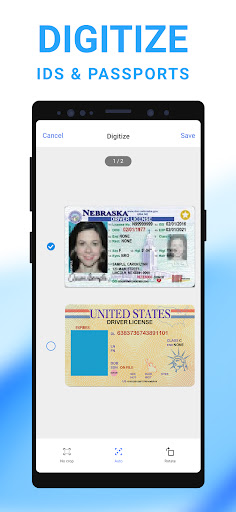
- Ultra-fast scanning of a wide range of documents, including receipts, business cards, and books. ✨
- Smart image optimization tools, including automatic border detection and cropping, as well as editing features to remove imperfections. ✨
- Ability to organize files into custom folders, making it easy to find and manage documents. ✨
Weaknesses
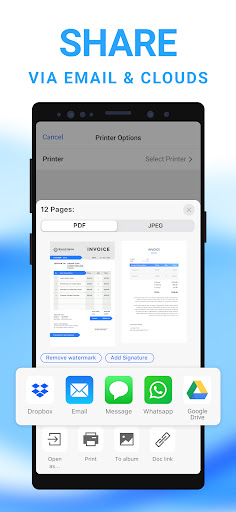
- Limited file-sharing options, with only email attachments and cloud services like Dropbox, Google Drive, and OneDrive available. ⚠️
- The app lacks integration with third-party applications and platforms, limiting its versatility and compatibility. ⚠️
Key Functions
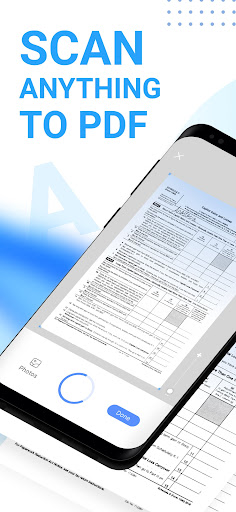
- Scan anything and convert it into PDF, Word, or JPEG files with precision and speed. 📃
- Apply advanced picture processing filters to generate high-quality and optimized documents. 🖼️
- Utilize OCR technology to extract and edit text from scanned images, with the ability to export texts as TXT files. ✏️
Mobile Scanner App - Scan PDF
Version 2.17.0 Updated 2026/09/14